
Most startups don’t lose deals because their product is weak. They lose deals because a lead comes in, gets a reply on WhatsApp or a quick call, and then sits forgotten in someone’s phone until it goes cold.
This is one of the most common early-stage sales problems, and it usually has nothing to do with effort. It happens because there is no single place to track who you contacted, what you promised, and when the next follow-up falls due. A CRM for startups fixes exactly this gap, without adding the complexity that larger enterprise systems bring.
This article explains what a CRM for startups actually does, when a startup genuinely needs one, what to look for before buying, and how to avoid common mistakes.
What Is a CRM for Startups?
A CRM for startups is customer relationship management software adapted to the reality of an early-stage team: few people, high lead volume relative to headcount, tight budgets, and a founder who is often still selling personally.
Unlike a generic enterprise CRM, a startup-focused CRM usually includes:
- Simple lead import and organization
- Call logging and follow-up tracking
- A basic sales pipeline with deal stages
- Team visibility without a steep learning curve
- Pricing that doesn’t punish a small team
The goal is not to replicate every feature a large sales org needs. The goal is to stop leads from slipping through cracks while the business is still finding its footing.
Why Startups Struggle With Lead Management
Early sales teams often run on a mix of spreadsheets, personal phone contacts, and WhatsApp chats. This works for the first few weeks. It breaks down once:
- Leads start arriving from multiple sources (ads, website forms, referrals, portals)
- More than one person is calling or following up
- The founder can no longer personally remember every conversation
- Follow-ups need to happen on a schedule, not “whenever there’s time”
At this point, informal tracking creates real costs. If you don’t call a lead back within a day or two, it converts far less often, simply because the buyer has moved on or lost interest.
Signs Your Startup Needs a CRM
Not every early-stage company needs software on day one. Here are practical signs that the informal approach has stopped working:
- You’ve lost track of a lead you know was worth pursuing. If this has happened more than once, it points to a process gap, not a one-off mistake.
- More than one person is calling leads. Without a shared system, two people may call the same lead, or worse, no one calls it at all.
- You can’t answer basic questions quickly. You should be able to answer “How many leads came in this week?” or “Which leads still need a follow-up?” in seconds.
- Follow-ups depend on memory. If reminders live in someone’s head instead of a system, you will always miss some.
- You’re scaling the sales team. Onboarding a second or third salesperson is much harder without a shared pipeline they can see and use immediately.
If two or more of these apply, it’s usually time to move from spreadsheets to a proper system.
What to Look for in a CRM for Startups
Startups have limited time and budget, so the buying criteria should be different from what a large enterprise would use.
| What to Check | Why It Matters for Startups |
|---|---|
| Setup time | A tool that takes weeks to configure delays the sales you need right now |
| Pricing model | Per-user fees can get expensive fast as you hire; flat or predictable pricing is easier to plan around |
| Auto dialer / call handling | Reduces manual dialing time for small teams doing high call volumes |
| Lead source integrations | Leads from ads, portals or web forms should land in one place automatically |
| Follow-up reminders | Stops the team from forgetting leads when things get busy |
| Reporting for founders | Investors and co-founders often want simple, clear pipeline numbers |
| Mobile access | Early sales reps are frequently on the move or working remotely |
Avoid choosing a CRM only because it’s popular with large enterprises. Many of those systems target complex approval workflows and multi-department use cases that a startup doesn’t need yet, and they often come with a steeper learning curve and higher per-seat cost.
How Telecalling Software Fits Into a Startup’s Sales Process
For startups that sell primarily over the phone – common in B2B, education, financial services, real estate and recruitment — a dedicated telecalling CRM can be more useful than a general-purpose CRM.
Telecalling software typically supports:
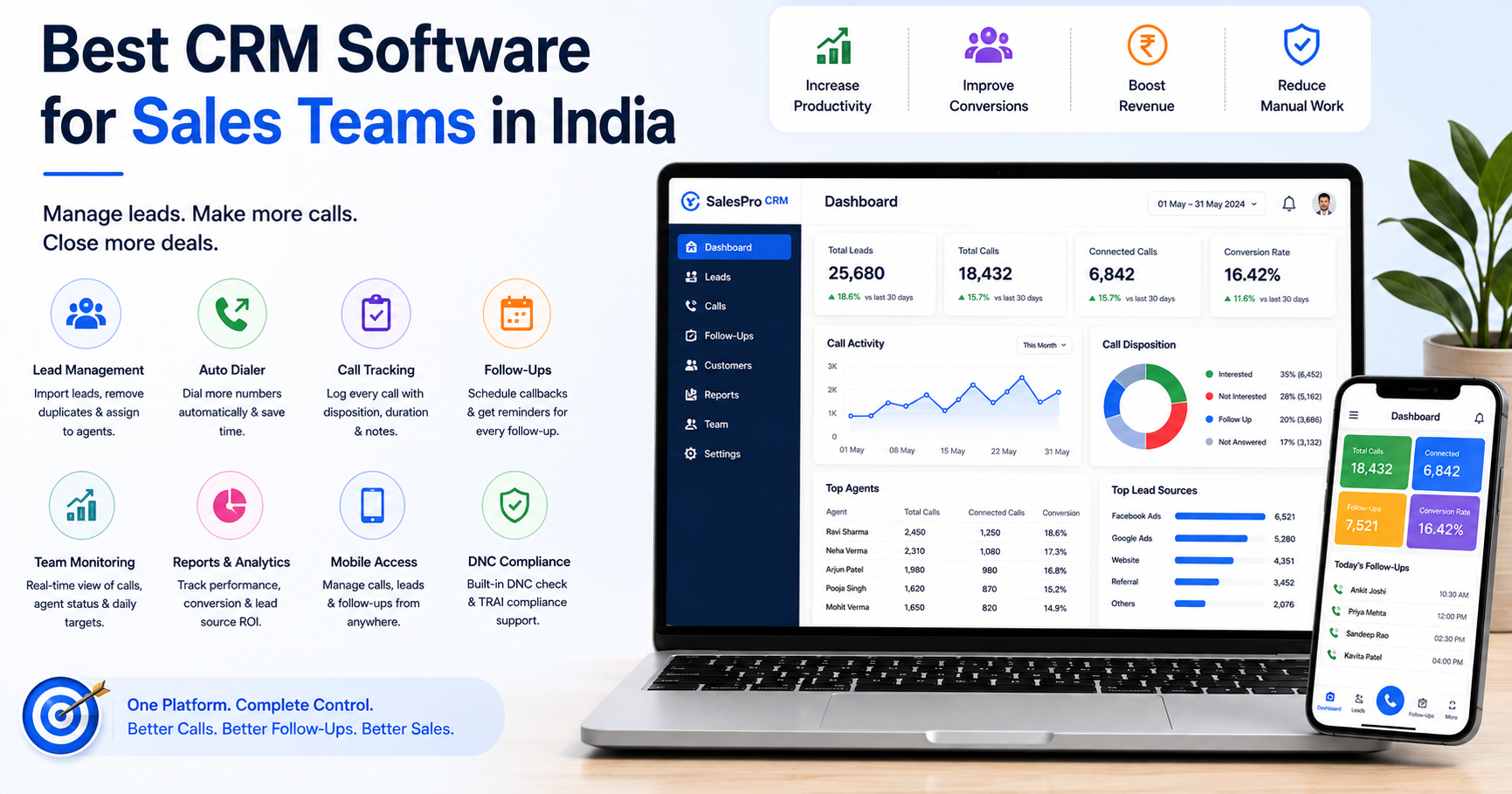
- Lead capture and assignment: The system routes new enquiries from ads, forms or portals to the right person automatically, instead of leaving them to sit in an inbox.
- Call tracking: The system logs every call’s duration and outcome, so nothing depends on memory or manual notes.
- Follow-up scheduling: Reminders make sure a promised callback actually happens.
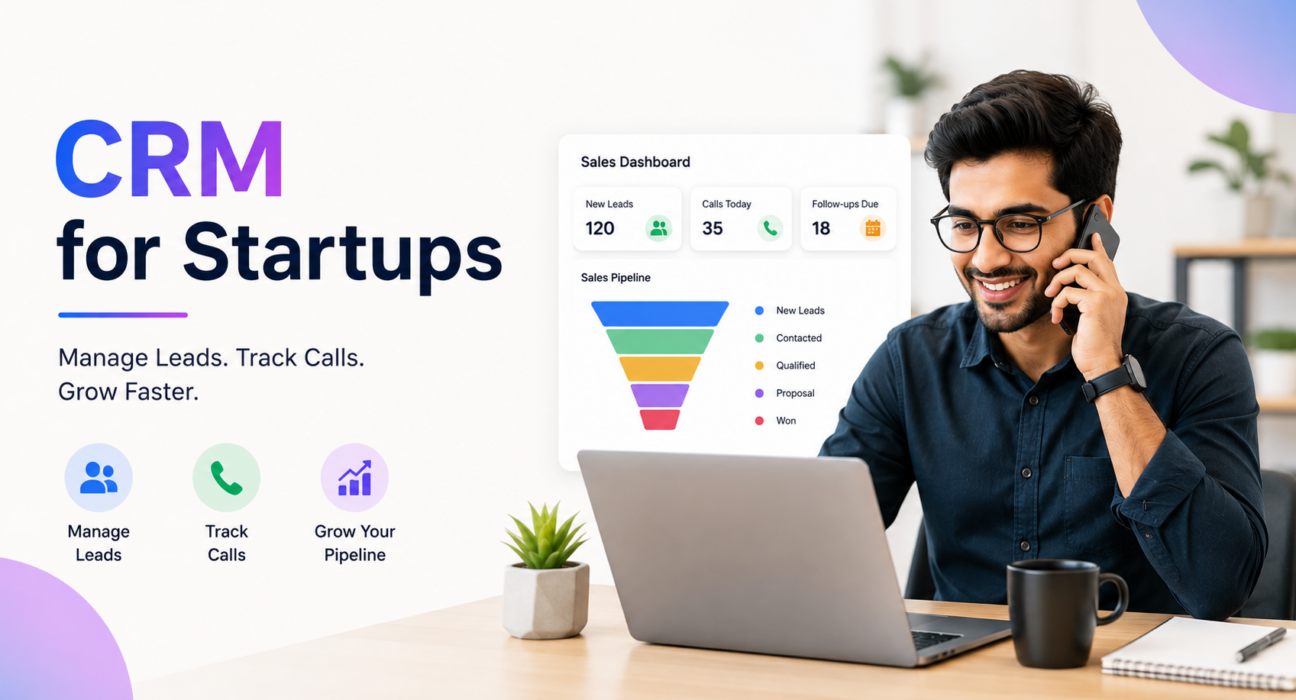
- Pipeline visibility: A simple view of what stage each lead is at (contacted, demo, proposal, closed) helps founders see where deals are getting stuck.
- Team performance visibility: Even with two or three salespeople, it helps to see who’s calling, how many calls are happening, and where deals are stalling.
Example (hypothetical): A five-person edtech startup runs Facebook and Google ad campaigns that generate 40–60 enquiries a day. Without a system, the founder and one salesperson manually copy numbers from a spreadsheet, call in batches, and rely on sticky notes for follow-up dates. With telecalling software, enquiries land automatically in a shared pipeline, the team logs calls as they happen, and the system sets follow-up reminders without anyone needing to remember manually.
Common Mistakes Startups Make When Choosing a CRM
Buying more software than the team can use. A CRM with dozens of modules and workflows can slow a two- or three-person sales team down instead of helping it, simply because there’s too much to configure and learn.
Ignoring pricing at scale. A tool that looks cheap for two users can become expensive quickly once per-user pricing kicks in and the team grows to eight or ten people. It’s worth checking how costs change as headcount increases, not just the starting price.
Skipping the trial period. Founders often buy based on a sales demo alone. A short trial with real leads reveals whether the tool actually fits daily calling habits.
No plan for lead sources. If leads come from multiple ad platforms or property/education portals, check integrations before buying — manually re-entering leads defeats the purpose of a CRM.
Treating the CRM as optional for the founder. Founder-led sales is common early on. If the founder doesn’t log calls and follow-ups in the same system as the rest of the team, the CRM data stays incomplete and less useful for decisions.
How TeleCalling CRM Supports Startup Sales Teams
TeleCalling CRM fits the reality of small, growing teams rather than large call Centre operations. For startups specifically, it provides an auto dialer that queues leads for calling, automatic lead capture from ad platforms and website forms, a pipeline with deal-value tracking by stage, and follow-up reminders so agents don’t miss callbacks. Plans start at a flat monthly rate rather than a high per-user charge, which matters for a team that’s adding one or two salespeople at a time rather than dozens.
Teams can see this applied directly on the telecalling software page for startups, including how leads move from “New Lead” to “Won” and how the system tracks call activity without manual data entry. For teams evaluating the full feature set before deciding, the complete list of CRM and lead management software features is useful background before a trial.
This isn’t a claim that any CRM will fix a broken sales process on its own – a CRM only helps if the team actually uses it consistently for every call and follow-up.
Frequently Asked Questions
General Questions
Is a CRM necessary for an early-stage startup with only two or three salespeople? Not always immediately, but it becomes useful as soon as more than one person calls the same leads or follow-ups start slipping. Even small teams benefit once lead volume passes what one person can track from memory.
What’s the difference between a CRM for startups and a regular sales CRM? A startup-focused CRM prioritizes fast setup, low cost, and simplicity over deep customization. Enterprise CRMs target complex approval chains and large departments, which most early-stage teams don’t need yet.
Can a telecalling CRM replace WhatsApp and spreadsheets completely? It can replace the tracking and follow-up part of the process. Many telecalling CRMs, including TeleCalling CRM, also include WhatsApp messaging so teams don’t need to switch tools for basic communication.
Pricing and Setup Questions
How much does CRM software for startups typically cost? Pricing varies by provider and often depends on the number of users. Some tools charge per user, which can get expensive as the team grows; others offer flat monthly plans that cover a set number of seats. It’s worth comparing both models against your expected hiring plan.
Do startups need an auto dialer, or is manual dialing enough? Manual dialing works fine at very low call volumes. Once a team makes dozens of calls a day, an auto dialer cuts the time spent between calls and helps agents focus on conversations instead of number entry.
What lead sources should a startup CRM be able to handle? This depends on where your leads actually come from – common sources include Facebook and Google ads, website contact forms, and industry-specific portals. Before choosing a CRM, list your actual lead sources and confirm the tool supports them.
Is it risky to switch from spreadsheets to a CRM mid-growth? Migration is usually straightforward if the CRM supports CSV import, but it’s worth testing with a small batch of leads first to confirm the data maps correctly before you move the full list over.
Conclusion
A CRM for startups doesn’t need to be complicated to be useful. For most early-stage teams, the real goal is simple: know who your leads are, log every call, and make sure follow-ups happen on time. Getting these basics right often matters more than having advanced features you won’t touch for another year.
If you’re comparing options, it’s worth checking flat, startup-friendly telecalling CRM pricing against what you’d pay as your team grows, since cost structure often matters as much as the feature list itself.