
Best CRM for Managing Sales Leads From Multiple Sources
A lead comes in from a Facebook ad at 10 AM. Another arrives from a property portal at 10:05. A third fills your website form at 10:10. If these sit in three different places, someone will call late, someone will call twice, and someone will not be called at all.
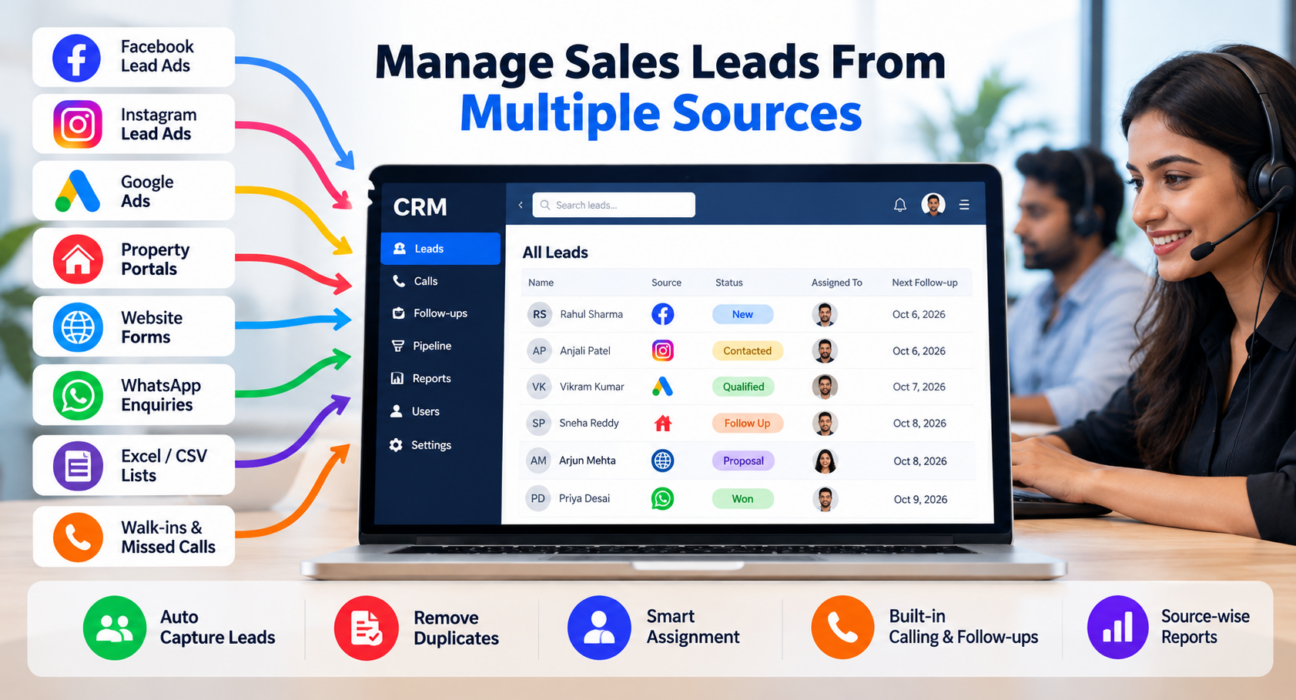
This is the everyday problem of multi-channel lead management: collecting leads from every channel into one system, so every lead is routed, called and followed up on time. The right lead management software brings all your sources into one pipeline, which is what the rest of this guide explains.
What Is the Best CRM for Managing Sales Leads From Multiple Sources?
The best CRM for multiple lead sources is one that does four things well:
- Captures leads automatically from every channel you use.
- Removes duplicates and routes each lead to the right agent.
- Keeps follow-ups, calls and notes in one place.
- Shows which source actually produces revenue.
If your team sells mainly by phone, the CRM should also have calling built in. A generic CRM that treats calling as an add-on often slows telecallers down.
What Is Multi-Channel Lead Management?
Multi-channel lead management is the process of capturing, organising, assigning and following up on leads that arrive from different channels, using a single system and a single process.
Common lead channels for Indian businesses include:
- Facebook and Instagram Lead Ads
- Google Ads
- Property and business portals such as 99acres, MagicBricks, Housing.com, JustDial and IndiaMART-type directories
- Website and landing page forms
- WhatsApp enquiries
- Excel or CSV lists from events, referrals or purchased databases
- Walk-ins and missed calls
The goal is not just to collect leads. It is to make sure every lead gets the same quality of follow-up, whichever channel it came from.
Why Leads From Multiple Sources Become Hard to Manage
Most teams start with spreadsheets and WhatsApp groups. That works for 20 leads a day. It breaks down at 200.
The usual problems are:
- Scattered data: Leads sit in ad dashboards, email inboxes, portal apps and sheets.
- Duplicate leads: The same person enquires on two portals, and two agents call them.
- Slow response: Someone must manually download, copy and assign each lead.
- Unclear ownership: Nobody knows who called whom, or what was said.
- Missed follow-ups: Callback dates live in personal notebooks or memory.
- No source-level view: You cannot tell which channel gives paying customers, only which gives enquiries.
Each of these is a process problem first and a software problem second. A CRM helps only if you also decide who owns each lead and when it must be called.
Features to Look For in a Multi-Source Lead CRM
Use this table as a checklist when comparing tools.
| Feature | Why it matters |
|---|---|
| Direct lead-source integrations | Leads arrive automatically, with no manual download or copy-paste |
| Duplicate detection | Prevents two agents from calling the same person |
| Auto-assignment rules | Routes leads by source, location, language or agent availability |
| Lead scoring or prioritisation | Helps agents call the most promising leads first |
| Built-in calling and call logs | Every call outcome and note is saved against the lead |
| Follow-up reminders | Callbacks do not depend on memory |
| Pipeline stages | Shows where each lead stands, from new to won |
| Source-wise reports | Shows which channel brings revenue, not just volume |
| Do Not Call (DNC) checks | Reduces compliance risk for outbound calling |
| Mobile app | Lets field and remote agents work from their phones |
| WhatsApp, SMS and email | Lets agents follow up on the channel the lead prefers |
If a tool misses the first four rows, it will not solve the multi-source problem, however good the rest looks.
How to Set Up Multi-Channel Lead Management: Step by Step
You can follow this process with any CRM.
1. List Every Lead Source
Write down every channel where leads arrive today, including the informal ones such as WhatsApp messages and referrals. Teams often discover two or three sources they were not tracking.
2. Connect Sources Directly
Use native integrations or a connector so leads flow into the CRM automatically. Manual uploads should be the exception, not the routine.
3. Define Assignment Rules
Decide how leads are distributed. For example, by city, product, language, or round-robin among available agents. Write the rule down so everyone understands it.
4. Set a Response-Time Target
Choose a clear target, such as “every new lead is called within 15 minutes during working hours.” Pick a number your team can realistically meet, then track it.
5. Standardise Call Outcomes
Use a short list of statuses: Not Answered, Interested, Call Back, Not Interested, Wrong Number, Won. Fewer statuses give cleaner reports.
6. Build a Follow-Up Habit
Every call should end with a next step and a date. A lead without a next action is a lead at risk.
7. Review Source-Wise Results Weekly
Compare channels by calls made, connections, deals won and revenue. Move budget towards sources that convert, not those that merely send volume.
Examples of Multi-Channel Lead Management in Practice
These are hypothetical examples to show how the process works. They are not customer case studies.
Real estate: A developer receives leads from Facebook Lead Ads, 99acres and MagicBricks. With all three feeding one CRM, duplicate enquiries are merged, site-visit leads are assigned to the sales executive for that project, and the manager can see which portal produced booked visits rather than just enquiries.
Education: A coaching institute runs Google Ads, Instagram campaigns and a website enquiry form. Admission counsellors get leads by course. Callbacks are scheduled around parents’ availability, and the head of admissions sees which campaign brings enrolments.
Insurance or loan sales: A team buys data lists and also receives website enquiries. The CRM separates warm inbound leads from cold lists, so agents call the warm ones first and the cold lists after, and DNC checks run before dialling.
Common Mistakes to Avoid
- Buying the CRM before fixing the process. Software cannot decide who owns a lead. You must.
- Treating every source equally. A portal lead and a cold list need different call priorities.
- Skipping duplicate checks. Calling the same person twice from two agents damages trust.
- Measuring leads instead of revenue. Cheap leads that never convert are expensive.
- Overcomplicating statuses and fields. Agents stop updating a CRM that asks too much.
- Ignoring compliance. If you call prospects, check your DNC process and consent practices. Review the current TRAI rules for your business type.
Who Needs a Multi-Source Lead CRM?
You likely need one if:
- Leads arrive from three or more channels.
- More than two or three people call leads.
- You spend ad money and cannot tell which campaign produces sales.
- Leads regularly go uncalled or get called late.
- Your managers ask for daily reports that someone compiles by hand.
A solo founder with 10 leads a week can manage with a spreadsheet. Once volume and team size grow, the cost of missed leads usually exceeds the cost of the software.
How TeleCallingCRM Handles Leads From Multiple Sources
TeleCallingCRM is a telecalling CRM built for Indian outbound sales teams. Based on its website, it supports this workflow in the following ways:
- Lead-source integrations: Facebook and Instagram Lead Ads, Google Ads, 99acres, Housing, MagicBricks, JustDial, Sulekha, TradeIndia, Wix, WordPress and Google Sheets can send leads into the pipeline automatically. Zapier is also listed.
- De-duplication and DNC screening: Imported and incoming leads are checked automatically.
- Auto-assignment and automations: Leads can be assigned by rules, with follow-ups scheduled and managers alerted when a lead is created or its stage changes.
- Calling in the same system: An auto dialer, call tracking with duration and outcome, call recording and notes keep the history with each lead.
- Follow-ups and reminders: Callback scheduling, overdue alerts and recurring follow-ups.
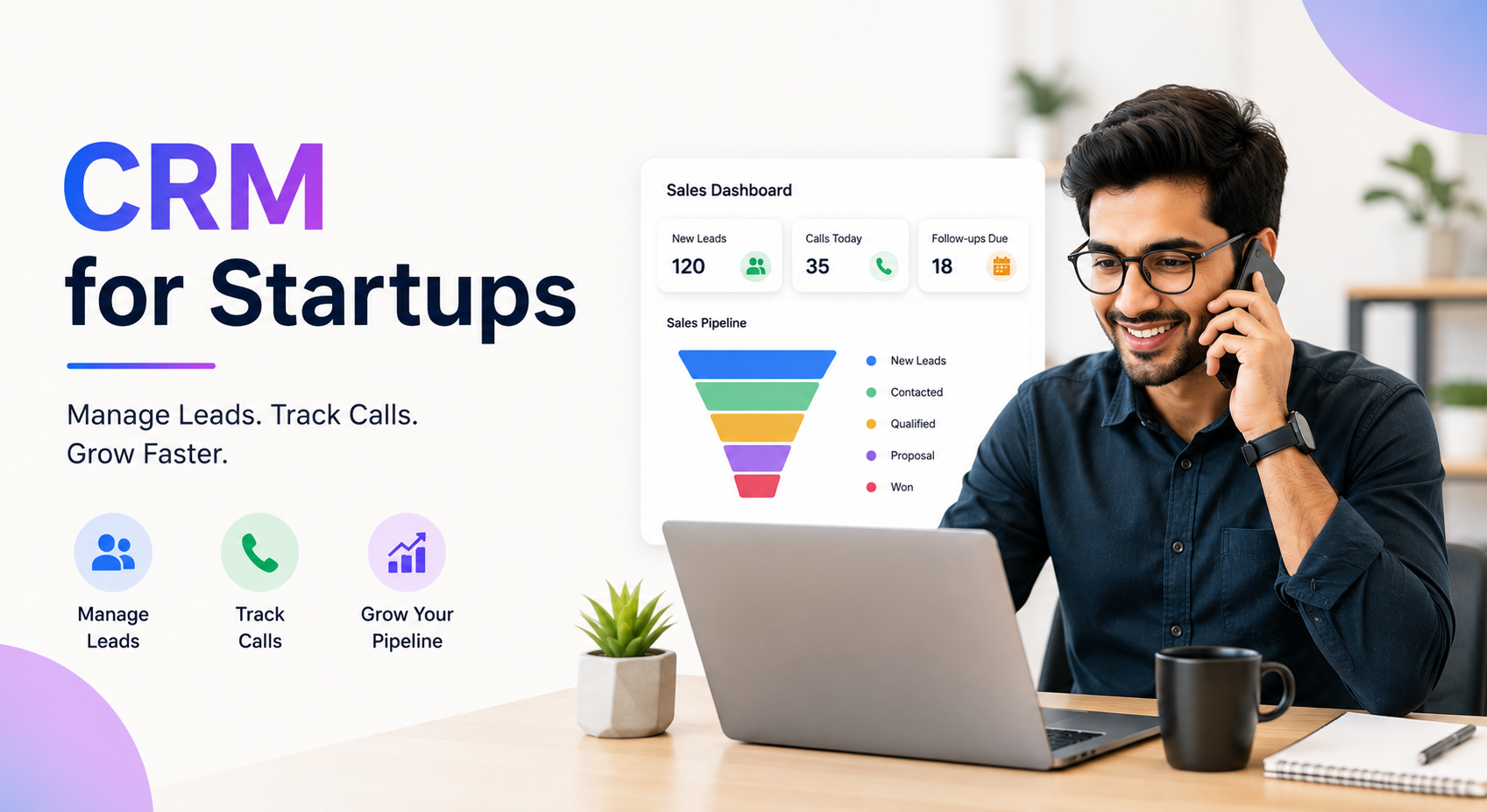
- Pipeline and reports: Deal values and stages, with won revenue and win rate by agent and by source.
- Team visibility: A live view of agent activity, plus a mobile app and WhatsApp templates.
For team-size and price details, check the pricing page. If you work in a specific sector, the real estate CRM and education CRM pages show how the workflow applies there. For a wider buying checklist, see our guide on how to choose the best telecalling CRM.
TeleCallingCRM is best suited to teams that sell mainly through phone calls. If your sales process is mostly email-based, long-cycle enterprise deals with little calling, a different CRM may fit better. A short trial with your real lead sources is the most reliable way to judge fit.
Quick Checklist Before You Choose a CRM
- Does it connect to the lead sources I use today?
- Can it detect duplicates automatically?
- Can I set assignment rules without a developer?
- Does it include calling, or do I need a separate dialer?
- Can I see revenue by source, not just lead counts?
- Does it have a mobile app my agents will actually use?
- Is pricing clear for my team size?
- Can I test it with my own data before committing?
Frequently Asked Questions
What is multi-channel lead management?
It is the practice of collecting leads from different channels, such as ads, portals, websites and WhatsApp, into one system. There, they are de-duplicated, assigned, called and tracked through a common process. It prevents missed leads and shows which channels produce sales.
How do I manage leads from Facebook, Google Ads and portals in one place?
Use a CRM with direct integrations for those sources, so leads enter automatically. Then set assignment rules, a response-time target and standard call outcomes. Review source-wise results weekly to see which channels bring real revenue.
Do I need a separate dialer if I use a CRM?
Not always. Some CRMs, including telecalling CRMs, have a built-in dialer and call logging. If your CRM has no calling features, agents must switch between apps, which usually causes missing notes and slower follow-up.
How do I avoid duplicate leads?
Choose a CRM that checks for duplicates, usually by phone number, when leads are imported or captured. Also agree on a rule for what happens when a known lead enquires again, such as returning it to the original agent.
Which CRM features matter most for telecallers?
For telecallers, the most useful features are lead import and routing, call logging, follow-up reminders, a mobile app, and simple status updates. For managers, source-wise reporting and live team visibility matter most.
Is a spreadsheet enough to manage leads from multiple sources?
A spreadsheet can work for very small volumes and one or two people. It struggles with automatic capture, duplicate control, reminders and reporting. Once leads arrive daily from several channels, a CRM saves time and reduces missed follow-ups.
How quickly should I call a new lead?
There is no single correct number for every business. Set a target your team can consistently meet, measure it, and improve it over time. Faster contact generally helps because the lead’s interest is fresh.
How do I choose the best CRM for my business?
List your lead sources, team size and budget. Shortlist two or three tools that connect to your sources. Then run a trial using real leads and check whether agents find it easy to use.
Conclusion
Multi-channel lead management is less about tools and more about discipline: capture every lead automatically, assign it clearly, call it quickly, record the outcome and review results by source. A CRM makes that discipline easier to follow at scale.
If your team sells mainly by phone, look for a CRM for telecallers that combines lead capture, calling and follow-ups in one place. Try it with your own lead sources before deciding.