

How to Improve Technician Utilization With Smart Scheduling
Most field service managers don’t have a headcount problem. They have a time problem. Technicians spend hours driving between jobs, waiting for instructions, or sitting idle because the schedule was built around the wrong priorities.
Field technician utilization software fixes this by showing where each technician’s day actually goes and helping you plan a better one. This guide explains what technician utilization is, what a healthy rate looks like, why it drops, and how smart scheduling raises it. It also covers what to look for in software.
What Is Technician Utilization?
Technician utilization is the share of a technician’s paid time that goes into productive, billable work. It shows how much of your labor cost turns into completed jobs.
The common formula is: Technician Utilization Rate = Billable Hours / Total Paid Hours × 100 fieldedge
If a technician is paid for 8 hours and spends 5 hours on billable jobs, utilization is 62.5%. The rest goes to travel, waiting, paperwork, callbacks and gaps between appointments.
Not every team bills by the hour. For AMC, installation, inspection or maintenance teams, you can swap “billable hours” for “productive job hours”. The logic is the same.
Utilization vs. Productivity vs. Wrench Time
These terms get mixed up, and the difference matters.
- Utilization: how much of the available time is spent on productive activity.
- Wrench time: only the hands-on portion of the job, excluding travel and admin.
- Productivity: what the time produced, such as first-time fixes, completed visits and SLA compliance.
A technician can be fully booked and still underperform. One industry guide notes that a technician at 90% utilization with a 55% first-time fix rate is highly utilized yet underproductive. Track utilization together with quality metrics, not alone. oxmaint
What Is a Good Technician Utilization Rate?
Many field service companies aim for roughly 65% to 85%, and a rate below 60% often points to avoidable inefficiency. These figures come from field service software vendor FieldEdge’s benchmark guide. Treat them as reference points rather than universal standards. fieldedge
| Utilization range | What it usually signals |
|---|---|
| Below 60% | Likely idle time, poor routing or weak job allocation |
| 65%–80% | Healthy range for many service teams |
| 80%–85% | Strong, with little slack for emergencies |
| 90%+ | Burnout and missed-SLA risk, since there is no buffer |
The 90%+ row comes from an aviation maintenance guide that flags utilization above 90% as a risk of over-scheduling. Your own target depends on your industry, job mix, travel distances and SLA commitments. Measure your baseline first, then set a realistic goal. oxmaint
Why Technician Utilization Drops
Low utilization rarely comes from technicians working slowly. It comes from the system around them. These are the usual causes.
| Cause | How it hurts utilization |
|---|---|
| Poor route planning | Technicians crisscross the city and lose billable hours to driving |
| Manual dispatch | Jobs get assigned by phone or WhatsApp, which delays the start of each task |
| No live visibility | Managers can’t see who is free, nearby or running late |
| Overbooked or underbooked days | Some technicians are overloaded while others sit idle |
| Missing job details | Technicians arrive without the right information and need a second visit |
| Slow paperwork | Reports and proof capture happen at the end of the day, or not at all |
| Emergency disruption | Urgent jobs break the plan, with no quick way to re-assign |
Travel is often the largest and most fixable of these. FieldEdge calls windshield time one of the biggest hidden profit killers in field service. fieldedge
How Smart Scheduling Improves Technician Utilization
Smart scheduling assigns the right job to the right technician at the right time, using location, workload, priority and deadlines instead of guesswork. Here is how to apply it, step by step.
1. Measure Your Baseline First
Record paid hours, job hours, travel hours and idle hours for each technician over two to four weeks. You can’t improve what you can’t see. Manual logs tend to be incomplete, so GPS and mobile job data give a more reliable picture.
2. Group Jobs by Location
Cluster nearby jobs and assign them to the same technician. This cuts the dead time between stops. Even small improvements add up across a team and a month.
3. Match Jobs to Workload and Proximity
Assign by who is closest and who has capacity, not by who answers the phone first. Balanced workloads stop the pattern where two technicians are overloaded while a third has nothing to do.
4. Plan Around SLAs and Priorities
Give every job a priority and a deadline. Schedule urgent and SLA-bound work first, then fill the remaining time with flexible jobs. Leave a small buffer for emergencies instead of filling every minute.
5. Prepare Technicians Before They Leave
Send each technician the address, contact person, checklist and any history before the job starts. Preparation reduces repeat visits and keeps the next appointment on time.
6. Re-Plan Quickly When Things Change
Jobs get cancelled, run long and arrive urgently. Scheduling that can adjust in minutes protects utilization. A static daily plan can’t.
7. Review Utilization Weekly
Look at utilization by technician, route and job type. Find patterns, such as one territory with high travel time or one job type that regularly overruns. Then adjust the plan.
Key Metrics to Track Alongside Utilization
- Travel time as a share of the workday: shows routing efficiency.
- Jobs completed per technician per day: shows output.
- First-time fix rate: shows job quality.
- SLA compliance: shows whether you are meeting customer commitments.
- Idle time: shows scheduling gaps.
- Schedule adherence: shows how closely the day followed the plan.
What to Look for in Field Technician Utilization Software
Field technician utilization software tracks how technician time is spent and helps you schedule, dispatch and route work more efficiently. When comparing tools, check for these capabilities.
- Live location visibility: see who is where, and who is closest to a new job.
- Task assignment with priority and SLA timers: so urgent work doesn’t get buried.
- Route and beat-plan optimization: to cut travel time.
- Mobile app that works offline: field work often happens in poor network areas.
- Proof of work: photos, signatures or OTP so completed jobs are verified.
- Real-time reporting and KPIs: so you can review utilization without building spreadsheets.
- Custom forms and workflows: so the tool fits how your jobs actually run.
- Simple setup and pricing: so your team adopts it quickly.
A tool that only shows location on a map helps, but it won’t fix scheduling. Look for software that connects tracking, assignment, execution and reporting.
How FieldExecutives Helps Improve Technician Utilization
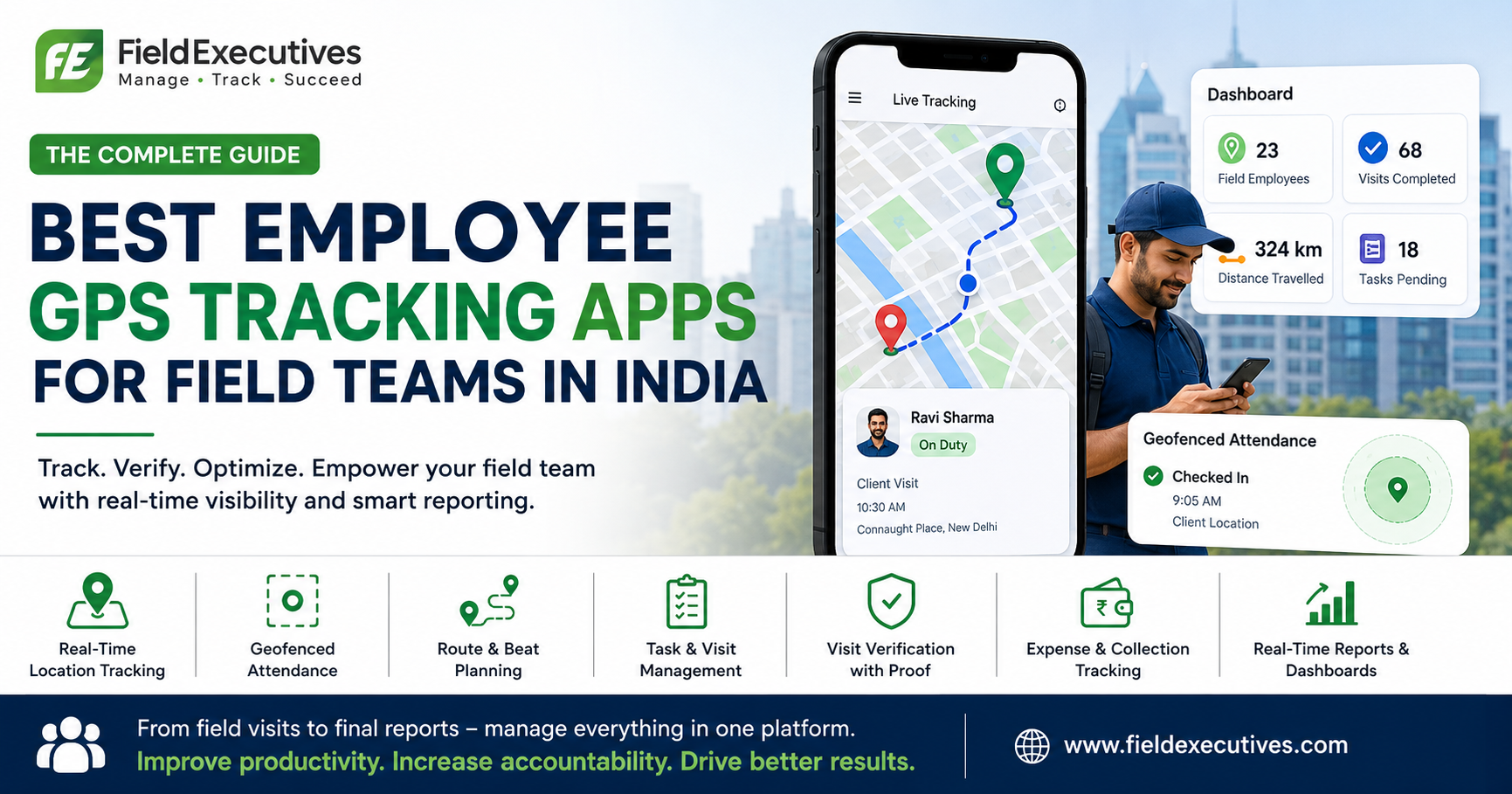
Businesses looking to simplify these processes can use field force management software such as FieldExecutives. It is built for teams that send people out to service, deliver, visit or collect. Based on the features listed on its website, here is how it supports better utilization.
- Task assignment with smart suggestions: managers create tasks and visits with checklists, priority and an SLA, and the platform offers suggestions based on location and workload. fieldexecutives
- Live map and GPS trail: see every technician’s status and route in one place, which makes quick re-assignment easier.
- AI route and beat-plan optimization: FieldExecutives states that this can cut travel time by 20–30%. The company notes that figures are illustrative and not guaranteed, so results will vary by team and territory. fieldexecutives
- Guided job execution with proof: technicians follow a job card and capture photo, signature or OTP, and the app works offline.
- SLA monitoring and real-time KPIs: track on-time performance and team activity without manual reports.
- Custom forms and workflows: set up job types, checklists and approvals to match your operations.
You can explore the full feature list or see how the platform fits field service and repair teams.
Common Mistakes to Avoid
- Chasing 100% utilization: a team with no buffer misses SLAs and burns out.
- Ignoring travel time: it is often the biggest hidden drain.
- Treating utilization as the only metric: pair it with first-time fix rate and customer feedback.
- Scheduling once and never adjusting: daily changes need daily re-planning.
- Using the tool for surveillance: explain to the team why you track time and location, and respect permissions. Adoption is better when technicians see it as help, not policing.
Conclusion
Better technician utilization comes from better scheduling, not from pushing technicians harder. Measure where time goes, group jobs by location, balance workloads, protect SLAs and re-plan quickly when the day changes.
The right field technician utilization software makes each of those steps faster and gives you the data to keep improving. FieldExecutives brings task assignment, live tracking, route optimization, proof of work and reporting into one platform, so managers can plan with real information.